How to get water out of charging port safely becomes urgent the moment your phone refuses to charge or shows a moisture warning. It is easy to panic and reach for rice, a hair dryer, or something small enough to fit inside the port, but those quick fixes can create even more damage.
The safest solution is much simpler: disconnect the cable, let gravity and airflow help, and give the port enough time to dry. Follow the steps below to protect the connector and avoid turning a small splash into a costly repair.
1. Why You Should Never Charge While the Port Is Wet
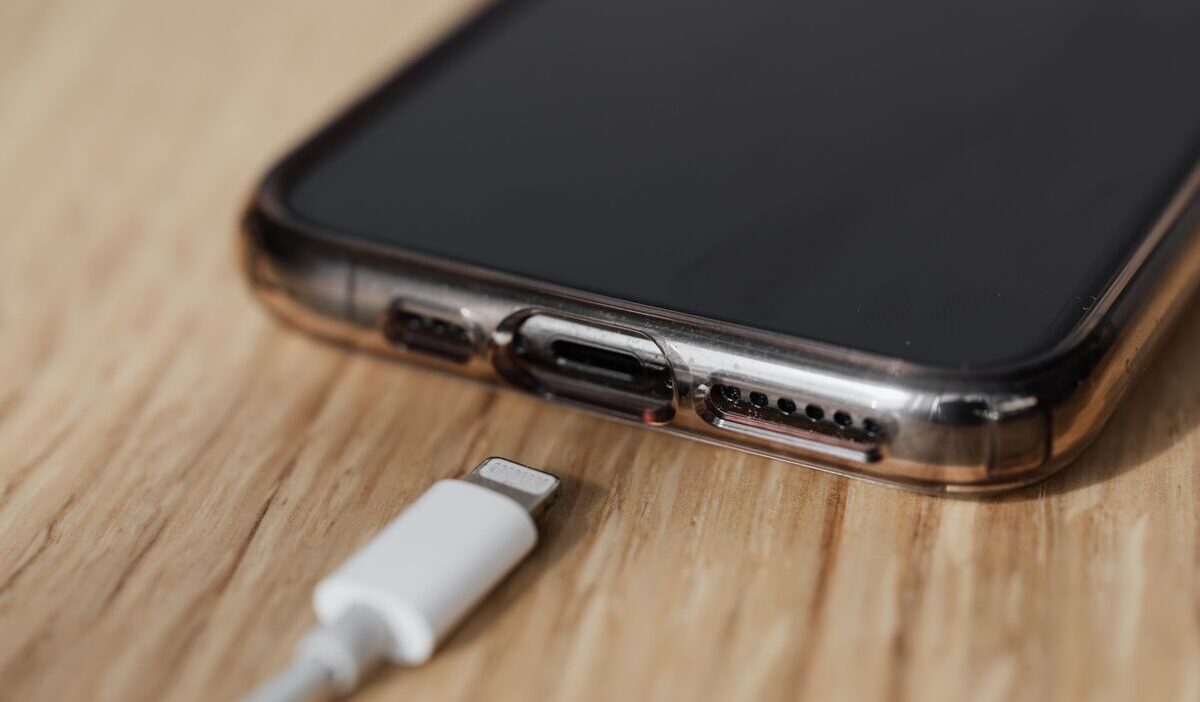
Charging sends electrical current through the metal contacts inside the connector. Moisture and residue can create an unwanted electrical path, while charging through a wet port can corrode the pins and cause permanent connector or cable damage.
On supported iPhones, iOS detects liquid in the Lightning or USB-C connector or attached cable and temporarily blocks wired charging.
Many Android phones, including supported Samsung Galaxy and Google Pixel models, provide a similar moisture or debris warning. However, the exact behavior varies by device.
2. What to Do the Moment You Notice Water in the Port
The steps below are in the correct order. Doing them quickly and in the sequence of how to get water out of charging port safely gives the port the best chance of drying without damage.
Step 1: Unplug the Cable Immediately
If a cable is connected when water enters the port, disconnect it immediately. Unplug the other end from the power adapter or accessory as well.
Do not reconnect the cable until both the phone’s charging port and the cable ends are completely dry. A wet or damaged cable can trigger the warning even when the phone appears dry.
Step 2: Power Off Your Phone If Possible
Powering off the phone reduces electrical activity while the device is wet. It does not completely disconnect the internal battery, but it is still a sensible precaution, especially if the phone was submerged or exposed to more than a small splash.
On iPhones with Face ID, press and hold the side button and either volume button until the power slider appears, then slide to turn off.
Step 3: Hold the Port Facing Down and Gently Tap
Turn the phone so the charging port faces downward. Gently tap the phone against your hand to encourage excess liquid to leave the connector.
Do not shake the phone aggressively. Use gravity and light movement rather than forcing water deeper into the device.
Step 4: Leave It in a Dry, Ventilated Area
Place the phone in a dry area with some airflow, with the port facing downward or at a downward angle.
A normal fan blowing cool air toward the connector may help. Do not use a hair dryer, external heat source, compressed air, cotton swab, tissue, or any other object inside the port.
Step 5: Wait Before Testing the Charging Port Again
One of the most important things you should know about how to get water out of charging port safely is not to reconnect a cable immediately, even if the outside of the port looks dry.
For an iPhone showing a liquid-detection alert, wait at least 30 minutes before trying the cable again. If the alert returns, continue drying the phone; the connector may take up to 24 hours to dry fully.
If the entire iPhone was exposed to liquid rather than only showing a brief connector warning, Apple recommends allowing at least five hours before wired charging. Other brands may give different drying times, so follow the device manufacturer’s instructions when available.
3. How Long Should You Let the Charging Port Dry?
Besides knowing how to get water out of charging port safely, drying time depends on the phone, the amount and type of liquid, and the surrounding temperature and airflow.
Some Samsung charging ports may dry in approximately one to two hours after light moisture exposure. An iPhone connector may require several hours and can take up to 24 hours to dry completely.
Use the moisture warning as a guide when your phone provides one. On supported Pixel phones, wait for the “OK to use USB port” message. If you are uncertain, allow more drying time rather than repeatedly reconnecting the cable.
If your phone supports wireless charging and the outside and back of the device are fully dry, wireless charging may be used while the connector continues drying.
4. Mistakes to Avoid When Drying a Charging Port
Several common responses to how to get water out of charging port safely make the situation worse rather than better.
- Do not use a cotton swab or tissue inside the port. Fibers can break off and remain inside the connector, causing charging problems that outlast the original water exposure. The interior of a charging port is not designed to accommodate any cleaning tool.
- Do not use compressed air from a can. Compressed air propels liquid further into the device rather than removing it, and the cold gas can cause condensation on internal components. A fan blowing across the port opening is acceptable, but directed compressed air is not.
- Do not use a hair dryer on heat. Direct heat can warp the plastic housing around the port, damage the adhesive seals that provide water resistance, and heat internal components beyond safe operating temperatures. Cool air from a fan is the maximum appropriate airflow.
- Do not put the phone in rice. The rice myth persists despite being repeatedly debunked. Rice does not absorb moisture meaningfully from inside a small enclosed metal port, and rice dust can enter the port and create new problems. Time and airflow are more effective.
- Do not plug in while any moisture warning is still active. This is the most common mistake. The alert exists precisely to prevent charging under unsafe conditions. Override it only using the Emergency Override option in genuinely urgent situations, and understand that doing so accepts the risk.
- Do not use a hair dryer, even if it has a cool setting. Heated air can damage the phone, while strong directed airflow may push moisture farther into the connector. Leave the device in a dry area with natural airflow or use a normal fan blowing cool air.
>>>Read more: How to Share WiFi Password on iPhone and Android
5. What to Do If the Alert Won’t Go Away
If the warning continues after you have done everything of how to get water out of charging port safely, restart the phone and inspect both cable ends for moisture, dirt, or damage.
Try a different known-good cable only when the port appears completely dry. If the warning occurs with only one cable or accessory, that item may be damaged.
On iPhone, Emergency Override allows wired charging despite the warning, but it should be used only during a genuine emergency because charging through a wet connector can cause permanent damage. Use wireless charging instead when the phone supports it, and the exterior is dry.
If the warning continues with multiple dry, undamaged cables, contact the phone manufacturer or an authorized repair provider rather than assuming the moisture sensor is defective.
6. FAQs
How Long Does It Take for a Charging Port to Fully Dry?
Light moisture may clear within one or two hours on some phones, but drying can take much longer. Apple notes that an iPhone connector may take up to 24 hours to dry fully. Follow the moisture warning and your manufacturer’s instructions rather than relying only on a fixed time.
Does Putting My Phone in Rice Actually Help?
No. Rice does not draw moisture out of a charging port more effectively than open air, and the starch dust from rice can settle inside the port and cause new contact issues. The rice method has been widely repeated but has no meaningful advantage over simply leaving the phone port-down in a dry, ventilated area.
Can I Use a Hair Dryer to Speed Up Drying?
No. Do not use a hair dryer, external heat, or compressed air. Leave the phone in a dry area with airflow or use a normal fan blowing cool air toward the port.
What if the Alert Appears But My Phone Was Never Near Water?
Check the charging cable and accessory as well as the port. Moisture, debris, overheating, or a damaged cable can trigger some alerts. Let the phone and cable dry, restart the device, and try a different known-good cable only when everything appears dry.
Conclusion
A wet charging port can be stressful, especially when your battery is low and you need the phone right away. Still, learning how to get water out of charging port safely is mostly about resisting the urge to rush.
Unplug the cable, keep the port facing down, allow steady airflow, and wait until the warning clears before charging again. A little patience is far safer than forcing a connection and risking permanent damage.