As an iPhone user, one of the most common questions is whether there’s a way to know if someone has read your text. The truth is, depending on settings, chat type, and even network behavior, “read” status may appear.
Here’s how to tell if someone read your text on iPhone.
1. What Do “Delivered” and “Read” Mean?
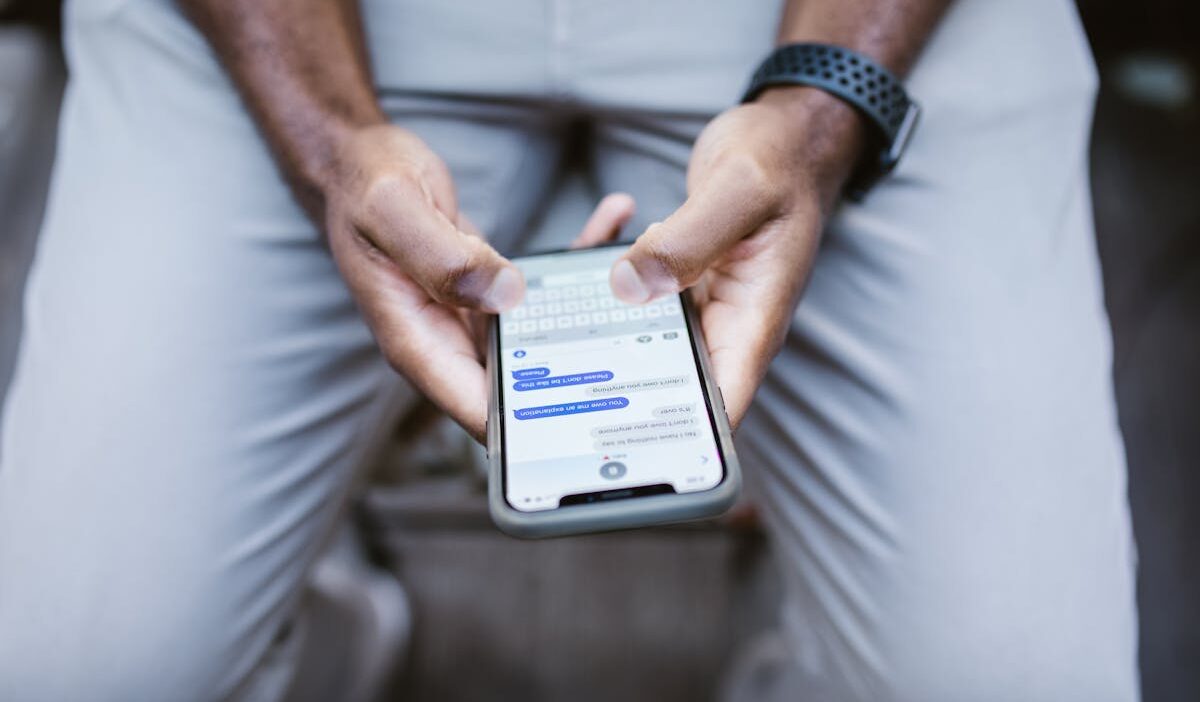
In the Messages app on iPhone, “Delivered” and “Read” status indicators usually appear under your most recent message in a conversation.
- Delivered: Your message successfully reached the recipient’s device. But this does not necessarily mean they have seen or opened it yet.
- “Read”: The recipient opened and viewed your message. You may also see the exact time they read it.
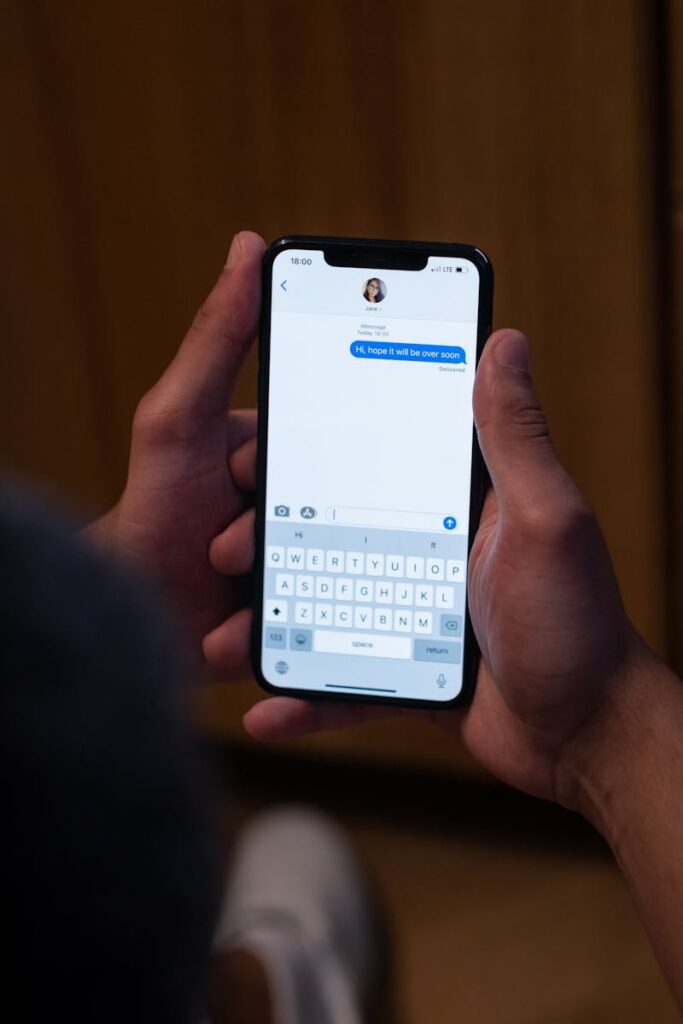
There’s a catch: both you and the person you’re messaging must have iMessage turned on for these statuses to show up.
Apple’s iMessage feature includes read receipts, which automatically let someone know when you’ve opened their text messages.
To use read receipts, go to Settings > Apps > Messages > Send Read Receipts and make sure your iMessage is switched on.
The color of your message bubble really matters. If a message appears in a green bubble, it was sent via SMS/MMS or RCS, and you typically won’t see “Read” or “Delivered” statuses as you would with iMessage (blue bubble).
If your messages are showing up green instead of blue, it could mean the other person isn’t using an Apple device, or maybe iMessage is turned off on your iPhone or the recipient’s device.
Sometimes, iMessage just isn’t available for a bit.
>>> Read more: How to Find Recently Deleted Messages on iPhone
2. How to Tell If Someone Read Your Text on iPhone Messages App (iMessage)
How to check if one has read your text:
- Open the Messages app.
- Tap the conversation you want to check.
- Look beneath your most recent message: If you see “Read”, the person has opened your message. If you see “Delivered”, the message was delivered but not confirmed as read.
Keep in mind, both you and the other person must be using iMessage, and the other person must have read receipts turned on. If someone has disabled read receipts, you’ll only see Delivered, even if they already read your message.
You cannot control whether other people send read receipts to you; they must enable the feature on their own device.
3. How to Read an iPhone Message Without Showing “Read”?
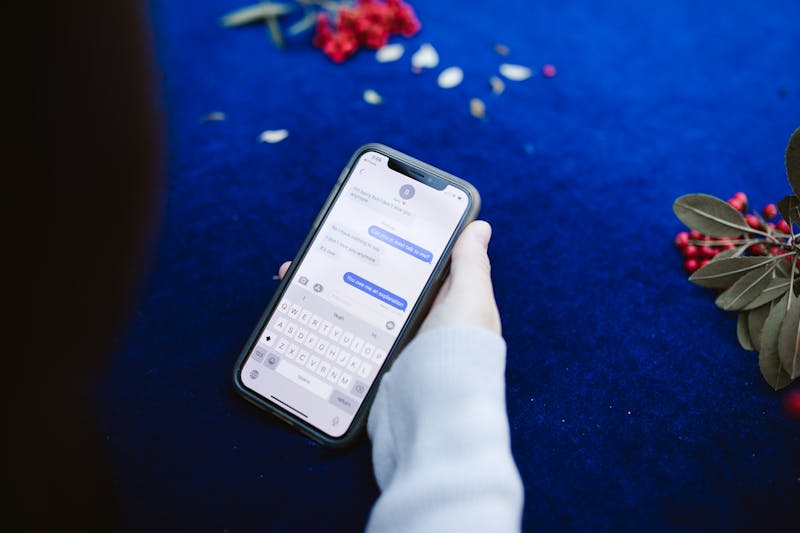
If you want to read an iMessage without the sender seeing the “Read” status, you can either disable read receipts entirely or turn them off for a specific conversation.
How to turn off read receipts for everyone:
- Open the Settings app.
- Tap Apps > Messages.
- Turn off Read Receipts.
Once disabled, nobody will see when you’ve read their messages unless you manually enable the feature again.
How to hide read status from a specific contact:
- Open the Messages app.
- Open the conversation with that person.
- Tap the contact’s name or icon at the top.
- Turn off Send Read Receipts.
4. How to Tell If Someone Read Your Text on Other Messaging Apps
In addition to the Messages app, people also often use other apps to communicate every day, like WhatsApp and Messenger.
Open WhatsApp and open a chat. Look at the check marks next to your sent message:
- Gray single checkmark: Your message was successfully sent.
- Gray double checkmarks: Your message was delivered to the recipient’s phone or linked devices.
- Blue double checkmarks: The recipient has read your message.
One thing, if you disable read receipts, you also won’t be able to see read receipts from others.
Facebook Messenger
Messenger does show message status updates.
- Sending: Your message is still being sent and hasn’t left your device yet.
- Sent: Your message was successfully sent, but hasn’t been viewed yet.
- Seen: The recipient has opened and viewed your message.
In group chats, Messenger shows a small version of each person’s profile picture below the message once they’ve seen it.
Instagram includes read receipts in direct messages (DMs) so you can tell when someone has viewed your message. When a person opens your message, Instagram displays a “Seen” status in the chat.
SnapChat
The app gives you built-in indicators. Check the status under your message. When you send a chat, it will usually show “Delivered” first. Once the person opens it, the status changes to “Opened,” confirming they’ve seen your message.
>>> Read more: How to Block a Number on iPhone: 2026 Complete Guide
5. FAQs
Why can’t I see read receipts on some conversations?
If the other person has read receipts turned off, either for all chats or just for yours, you can’t see whether they’ve opened and read your message.
Can Focus Mode hide read receipts on iPhone?
No. Focus Mode in iOS doesn’t hide read receipts. Focus Mode only controls notifications, not message delivery status.
Can Airplane Mode affect iMessage read status?
Airplane Mode can affect iMessage read status by delaying the sending of read receipts. iMessage updates and transmits the “read” signal only when your device reconnects to cellular or Wi-Fi. If you open a message while offline, the read receipt is queued and usually sent later when connectivity returns.
Are read receipts available in group chats?
In the Messages app on iPhone, read receipts only work in one-to-one conversations where both users have iMessage and have the feature enabled.
How do I know if someone blocked me on iMessage?
You can’t know for sure, since Apple doesn’t notify you when someone blocks you in Messages.
6. Conclusion
Read receipts on iPhones can be helpful for seeing if someone has opened your message, but they don’t always give you the whole picture.
Sometimes, people open a message but don’t really read it, or they get distracted and forget to reply. Other times, they might just glance at it quickly while they’re busy.
If you don’t see a read receipt, it doesn’t always mean you’re being ignored. There are lots of reasons a read receipt might not show up right away, even when you’re trying to figure out how to tell if someone read your text on iPhone.