You delete a message quickly, thinking it is no longer needed only to realize moments later that it contained important information. This situation leads many users to search for recently deleted messages, trying to find a way to bring back conversations that seemed lost.
1. How Can I See My Recently Deleted Messages
Step 1: Open the messages app on the Apple iPhone
Locate the Messages App on the Home Screen and tap to open it. This is where all conversations are stored and managed.
Step 2: Tap the filters option in the top corner of the screen
Look at the top-left corner and tap Filters. This menu organizes conversations and provides access to additional message categories.
Step 3: Select recently deleted
Tap Recently Deleted from the list. The system will display conversations that were removed but are still stored temporarily for recovery.
This is the exact location users need when asking, “How can I see my recently deleted messages?”
2. Steps to Recover a Conversation From the Recently Deleted Folder
Step 1: Open the Messages App
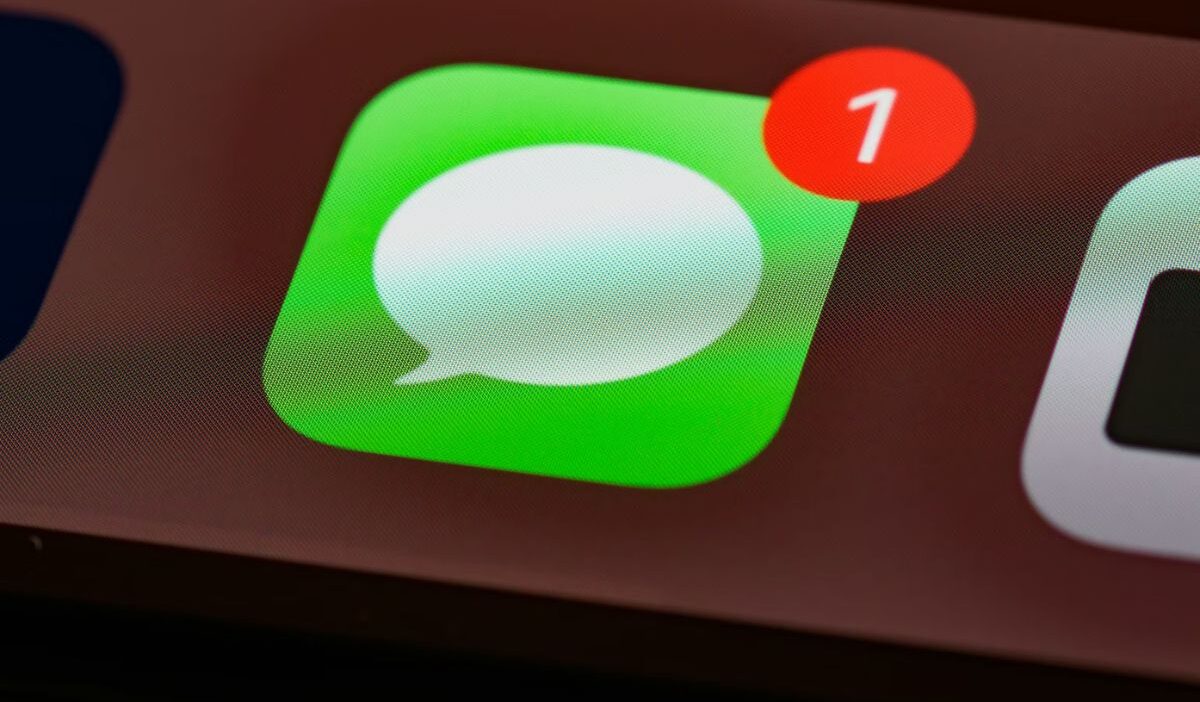
Locate the Messages App on the Home Screen of the Apple iPhone. The icon appears as a green speech bubble. Tap the icon to open the app, where all text conversations and iMessage chats are displayed.
Step 2: Tap filters and choose recently deleted
In the Messages screen, look at the top-left corner and tap Filters. This menu shows different message categories. From the list, select Recently Deleted to view conversations that were removed but are still temporarily stored.
Step 3: Select the conversation to restore
Inside the Recently Deleted section, scroll through the list of conversations. Tap the conversation you want to recover. The phone will highlight the selected thread so it can be restored.
Step 4: Tap recover
After selecting the conversation, tap Recover at the bottom of the screen. The Apple iPhone will move the conversation back to the main message list, allowing you to read and continue the chat as before.
3. How to Retrieve Deleted iMessages After Removal
Some users ask, “How to retrieve deleted iMessages?” when the conversation no longer appears in recently deleted messages. At this stage, recovery depends on whether a backup exists.
Two main options:
- iCloud Backup restoration: If backups were enabled before deletion, restoring the device to an earlier state may recover messages.
- Computer backup restoration (Finder or iTunes): A previously saved backup can restore messages by reverting the device to that backup version.
This highlights an important pattern: once messages leave the recently deleted folder, recovery shifts from device-level storage to backup systems.
>>> Read more: How to Remove People From Pictures on iPhone: The Ultimate Step-by-Step Guide That Actually Works 2026
4. Permanently Remove Messages From the Recently Deleted Folder
Step 1: Open the Messages app
Find the Messages App on the Home Screen of the Apple iPhone. The icon shows a green speech bubble. Tap the icon to open the application where text conversations and iMessage chats are stored.
Step 2: Tap filters and select recently deleted
In the main Messages screen, look at the top-left corner and tap Filters. This menu displays different message categories. From the list, choose Recently Deleted to access conversations that were removed but are still temporarily saved on the device.
Step 3: Choose the conversation
Inside the Recently Deleted section, scroll through the list of stored conversations. Tap the message thread you want to remove permanently so it becomes selected.
Step 4: Tap delete
After selecting the conversation, tap Delete at the bottom of the screen. The Apple iPhone will permanently remove the selected messages from the device, and they will no longer be recoverable from the recently deleted folder.
5. Reasons a Recently Deleted Folder May Not Appear
- Older iOS versions
The Recently Deleted feature is available only on newer iOS versions. Devices running older software may not support temporary message storage.
- No messages have been removed recently
The folder appears only when messages exist inside it. If no conversations were deleted, the section may not be visible.
- Message filtering settings
The Messages App uses filters to organize content. Users may need to open the Filters menu to access hidden sections such as Recently Deleted.
6. FAQs
Can a removed message still be restored later?
Yes. Messages inside the recently deleted messages folder can usually be restored within the storage period provided by the system.
What happens to removed messages after the storage limit ends?
Once the storage period expires, the system permanently recently deleted messages. They no longer remain in the recently deleted folder.
Can another person view removed messages on the phone?
Only someone with access to the device and the Messages App could potentially see messages stored in the recently deleted folder.
Conclusion
The recently deleted messages feature is not just a recovery tool, it is a buffer that gives users time to correct mistakes. By knowing how to access recently deleted messages on iPhone, you can quickly recover important texts and avoid losing information when it matters most.