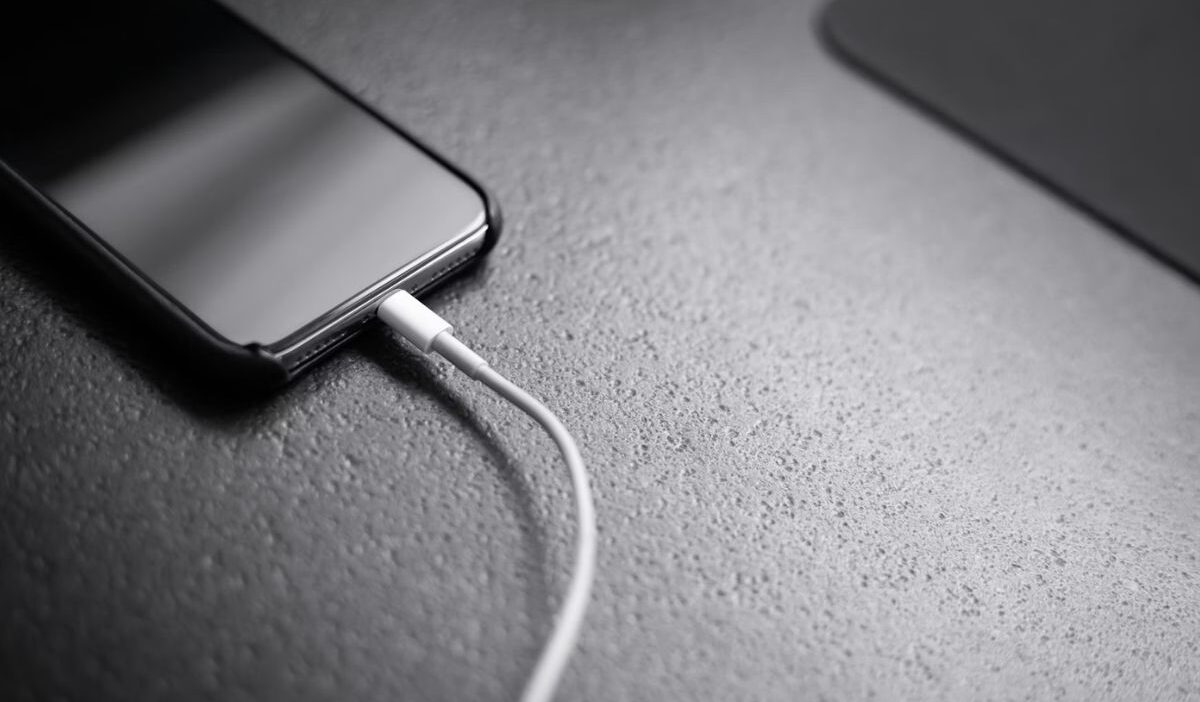
How to clean iPhone charging port becomes a real concern the moment your cable stops fitting properly or your phone charges only at a certain angle. You plug it in, adjust it slightly, and suddenly it works, then disconnects again.
So you start looking for a safe way to fix it without causing damage. Let’s go step by step so you can clean your charging port correctly and restore a stable connection.
1. Why Your iPhone Charging Port Gets Dirty Over Time
Charging of your iPhone charging port is constantly exposed to dust, lint, and small particles, especially when you carry your phone in your pocket or bag.
Over time, these particles collect inside the port and compress with repeated cable insertion. This creates a compact layer that blocks proper contact between the cable and the charging pins. The longer it builds up, the more it affects charging performance.
2. Signs You Need to Clean Your iPhone Charging Port
Before getting into the deatyils off How to clean iPhone charging port, you should know what the signs are that the port needs to be cleaned:
- Loose charging connection
The cable does not sit firmly inside the port and may feel unstable or fall out easily. This usually happens when dust or lint blocks the connector, preventing a secure fit and proper contact.
- Intermittent charging
Charging starts and stops when you move or slightly adjust the cable. This indicates that the connection is not stable, often caused by debris interfering with the contact points inside the port.
- Slow or no charging
Power flow becomes inconsistent, takes longer than usual, or stops completely. In many cases, buildup inside the port prevents the cable from connecting fully, reducing charging efficiency.
- Visible debris inside the port
Dust, lint, or small particles can sometimes be seen when you look closely into the port. Over time, this buildup compacts and creates a physical barrier that affects how your iPhone charges.
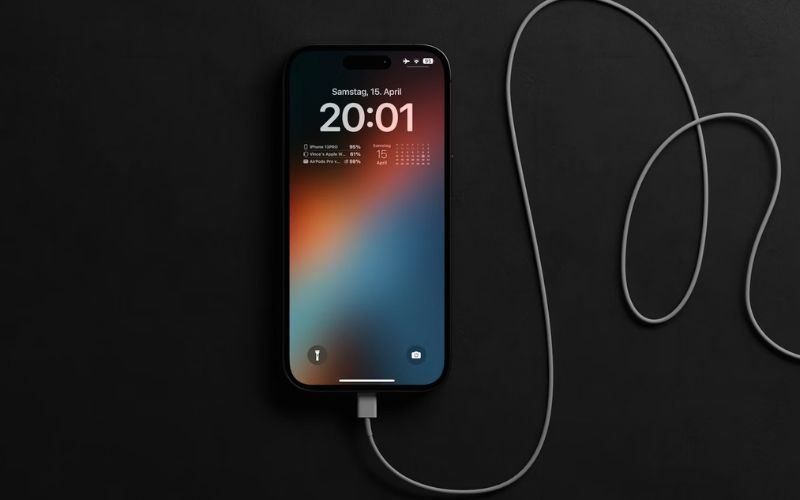
3. How to Clean iPhone Charging Port Safely (Step-by-Step)
To clean the charging port safely, you can refer to the following steps:
Step 1: Power off your iPhone
Turn off your device before cleaning. This reduces the risk of electrical damage and ensures safety while working inside the port.
Step 2: Inspect the charging port
Use a flashlight to look inside the port. This helps you identify where debris is located and how much buildup is present before starting.
Step 3: Use a non-metal tool
Carefully insert a wooden toothpick or plastic tool to remove debris. Avoid applying too much pressure, as the internal components are delicate. This step is critical in how to clean iPhone charging port without causing damage.
Step 4: Use compressed air if needed
Blow compressed air gently into the port to remove loose particles. Keep the airflow controlled to avoid pushing debris deeper inside.
Step 5: Test the charging connection
Turn your iPhone back on and plug in the cable. A secure connection and stable charging indicate the cleaning was successful.
>>> Read more: How to Change Autofill Address on iPhone Easily and Fix Wrong Address Issues 2026
4. Tools You Should and Should NOT Use
Be aware that using the wrong tool can negatively affect your port, so make sure that you also know this when looking for how to clean iPhone charging port:
Safe tools to use
- Wooden toothpick
A soft, non-conductive tool that can gently lift out compacted lint without scratching internal components. It is flexible enough to reduce the risk of damage.
- Plastic pick or SIM ejector-style plastic tool
Designed to be firm but safe, these tools can remove debris without conducting electricity or harming the port.
- Soft, dry brush (like a small electronics brush)
Helps loosen fine dust particles that are hard to see. It works well for light cleaning without applying pressure.
- Compressed air (used carefully)
Blows out loose debris from inside the port. Short bursts at a slight angle help avoid pushing particles deeper inside.
Tools to avoid
- Metal objects (needle, pin, paperclip)
These can scratch or damage the charging pins and may cause electrical issues if they touch internal contacts.
- Sharp or rigid tools
Anything too hard or pointed can break delicate components inside the port, leading to permanent damage.
- Wet materials or liquids
Water or cleaning solutions can cause short circuits or corrosion, especially if they reach internal circuitry.
- Cotton swabs with loose fibers
While soft, they can leave fibers behind, adding more debris instead of removing it.
5. How to Prevent Charging Port Issues
Prevention is easier than repeated cleaning. Small daily habits can protect your device and reduce the need to apply how to clean iPhone charging port too often.
- Keep your phone away from dusty environments
Avoid placing your iPhone on dirty surfaces or in areas with fine dust. Over time, tiny particles settle inside the port and become compacted with use.
- Do not keep it in pockets that contain lint or debris
Fabric lint is one of the most common causes of buildup. Pockets, especially in jeans or jackets, can push lint directly into the charging port every time you insert or remove your phone.
- Clean the port lightly regularly
Instead of waiting for problems, check the port occasionally and remove visible dust early. Light maintenance prevents debris from building into a thick layer.
- Use protective cases with port covers if needed
Cases with built-in covers help prevent dust and lint from getting into the port. This is especially useful if you work in environments with dirt or particles.
- Be gentle when inserting charging cables
Forcing the cable into the port can push debris deeper inside and damage internal connectors. A smooth, careful insertion helps maintain a clean and stable connection.
- Store your phone in clean, controlled spaces
Keeping your phone on clean surfaces or in a bag reduces exposure to dirt and minimizes long-term buildup.
>>> Read more: How to Restore iPhone From Backup: Complete Guide for iCloud and iTunes for 2026
6. FAQs
How to clean iPhone charging port without damaging it?
Use non-metal tools like a wooden toothpick or soft brush and apply very gentle pressure. Always power off your device first and avoid using liquids to keep internal components safe.
Is it safe to use a needle to clean my iPhone charging port?
No, you should not use a needle or any metal object. Metal tools can scratch the connectors or cause damage that affects charging permanently.
Why is my iPhone still not charging after cleaning?
If cleaning does not solve the issue, the problem may come from a faulty cable, damaged charging port, or battery-related issues. In this case, further inspection or professional repair may be needed.
How often should I clean my iPhone charging port?
You should clean it only when you notice signs like loose connections or debris buildup. Occasional checks help prevent problems without over-cleaning the port.
Conclusion
A small amount of debris can have a big impact on how your iPhone charges. Once you understand how to clean iPhone charging port, the process becomes simple and safe.
Take a moment to inspect your device, clean it carefully when needed, and follow basic habits to prevent buildup. These small steps help maintain a reliable charging connection and avoid unnecessary repair issues.